IntelliJ Idea or any other IDE that supports Kotlin syntax
JVM (as Kotlin is a JVM based language)
Introduction
JetBrains started project Kotlin in 2011. Kotlin is designed to be complied as fast as Java and having the features of Scala. Scala, as JetBrain points out, has a high compilation time. Kotlin has saveral variations that target the JVM (Kotlin/JVM), JavaScript (Kotlin/JS), and native code (Kotlin/Native). Kotlin is interoperable with Java. That means that we can have projects with both Kotlin and Java code.
New Project – Intellij
File -> New -> Project -> Kotlin (JVM | IDEA)
Your First Code – HelloWorld
In the src directory, right click and click on new Kotlin file, let’s call it helloWorld.kt
Write “main”, and IntelliJ will autocomplete the main function. This main is the start point of our Kotlin application. Function/method is represented by fun.
This file contains hidden or bidirectional Unicode text that may be interpreted or compiled differently than what appears below. To review, open the file in an editor that reveals hidden Unicode characters.
Learn more about bidirectional Unicode characters
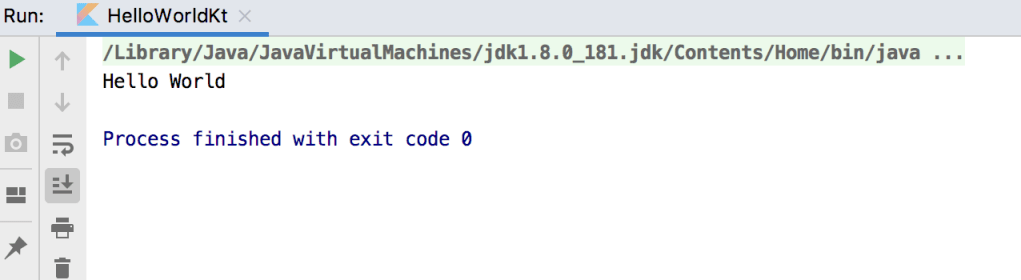
Click the little play(green triangle button) near main. And the code would run.
Function
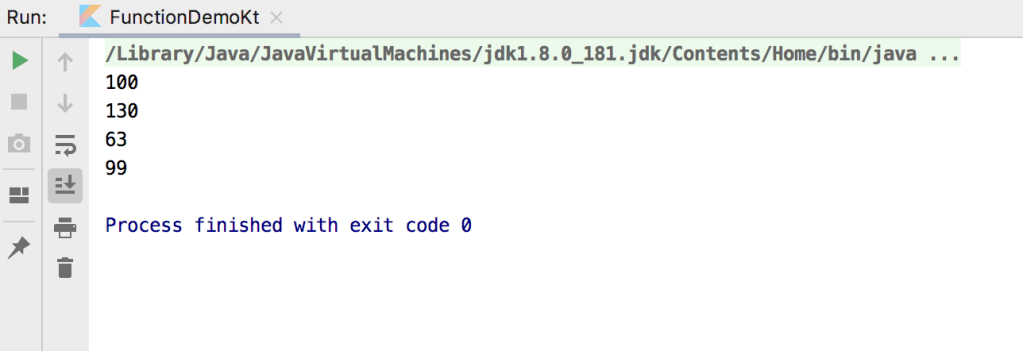
The following gist has been well documented with example of functions in kotlin.
This file contains hidden or bidirectional Unicode text that may be interpreted or compiled differently than what appears below. To review, open the file in an editor that reveals hidden Unicode characters.
Learn more about bidirectional Unicode characters
val variable1: Int = 22  // variable1 is variable that is of Int type
val variable2 = 44 // variable2 is inferred as of type Int
Nullable values
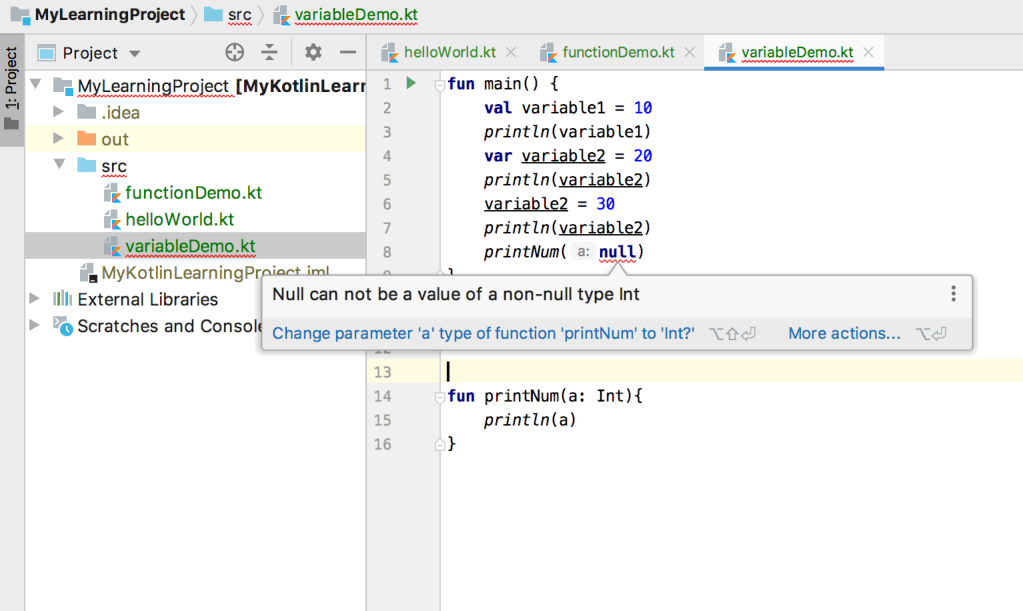
Variables in Kotlin by default does not support null. Question mark after variable type says that the variable supports null. Following example will show the usage.
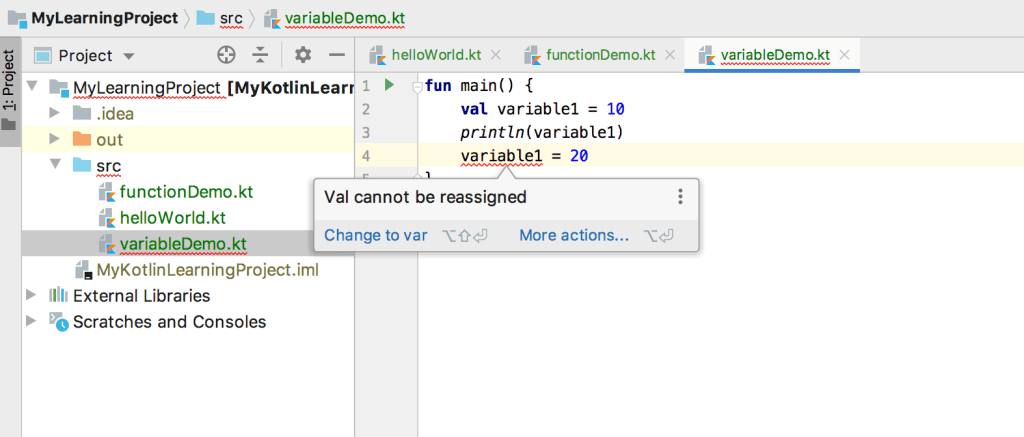
val can not be reassignedCan not call with null value
This file contains hidden or bidirectional Unicode text that may be interpreted or compiled differently than what appears below. To review, open the file in an editor that reveals hidden Unicode characters.
Learn more about bidirectional Unicode characters
If you liked this article and would like one such blog to land in your inbox every week, consider subscribing to our newsletter: https://skillcaptain.substack.com

 The Null Pointer Exception
Leave a Reply